
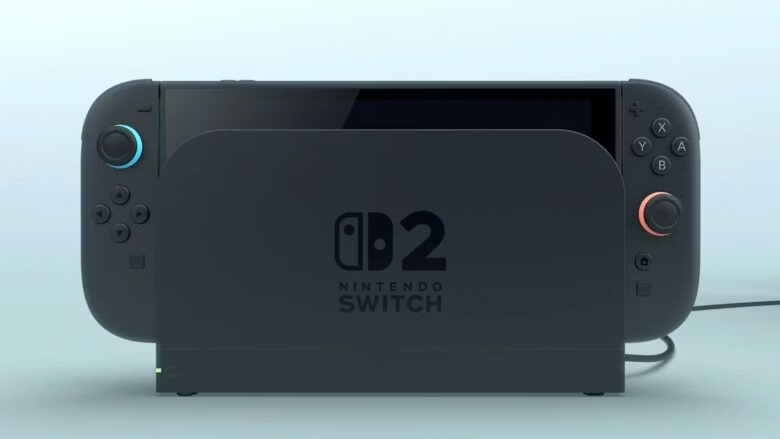
Nintendo has released a new system update for the Nintendo Switch 2, bringing the console to version 21.0.1. This comes just two weeks after its larger feature-focused 21.0.0 patch. The latest update, released on November 24, 2025, focuses on stability and critical bug fixes, especially for users migrating from the original Switch.
“We have heard from players experiencing frustration during setup and daily use. This update ensures a smoother transition and more reliable wireless connections,” a Nintendo spokesperson said in a brief statement. The original Nintendo Switch also received a matching Version 21.0.1 update on the same day, though it only includes the transfer error fix and stability improvements, lacking the Bluetooth-specific patch which is exclusive to Switch 2 hardware.
Key Fixes in Version 21.0.1
There are certain issues that were to be addressed. According to official patch notes published on Nintendo’s support site, the update addresses three main issues:
1. Resolved Persistent Transfer Errors: The persistent transfer errors during local system transfers from a legacy Nintendo Switch to Switch 2 have been resolved. Users previously encountered Error Code 2011-0301 and Error Code 2168-0002 repeatedly. It used to halt the process, thereby making the gameplay boring and irritating.
2. Fix Bluetooth Connectivity Issues: Version 21.0.1 fixes the Bluetooth connectivity issues where wireless controllers or audio devices like AirPods failed to reconnect after waking the console from Sleep Mode or disabling Airplane Mode.
3. General System Stability Improvement: The General System has been improved, which resulted in enhanced overall performance and a better user experience.
User Report
Early feedback from the gaming community has been positive. On social media platform X, users reported:
- Pokémon Brilliant Diamond and Shining Pearl no longer crash on launch when played via backward compatibility.
- Bluetooth headsets and Joy-Con controllers now reconnect instantly after sleep.
- System transfers that previously failed after multiple attempts now complete in one try.
One user posted:
“Finally transferred my 300+ hour Breath of the Wild save without the console throwing a tantrum. Thank You, Nintendo.”
How to Update?
The process to update is simple and straightforward. Switch 2 owners can download the update now by following the steps below:
1. Connect to the internet.
2. From the Home Menu, go to the System Settings.
3. Click “System.”
4. Now, click “System Update.”
5. The console will automatically check and install the patch.
- If the update doesn’t appear, restart your console and try again.
- Updates can also be downloaded in the background when the system is in Sleep Mode and connected to Wi-Fi.
The 21.0.0 Foundation
This maintenance patch builds on the Version 21.0.0 update released on November 11, 2025, which introduced:
1. Visual indicators in the HOME Menu distinguish physical cartridges from digital games.
2. Enhanced GameChat features, including voice filters and improved party stability.
3. New accessibility options, such as adjustable text size in system menus.
Nintendo continues its rapid post-launch support campaign for the Switch 2, addressing early adopter pain points with precision. With holiday demand surging, these fixes ensure that owners can hit the ground running. The error codes are now history.